
Requirement and task management
Organize bounded AI work around requirements, projects, and task history rather than isolated prompts.
Product
Product overviewFeaturesPricingModelsSelf-hosting
Self-hosted guideCompare
CompareTools
ToolsResources
Your first task: fix, test, explainProduct update logAI NewsResearchDirect answersTry MonkeyCode ↗GitHub ↗Language
Official product guides and resources for MonkeyCode.
PRODUCT FEATURES · FACTS CHECKED 2026-09-08
MonkeyCode is positioned as an AI development platform for engineering teams. Its product thesis combines requirements, tasks, environments, models, projects, desktop and mobile clients, and deployment choices into one managed workflow.
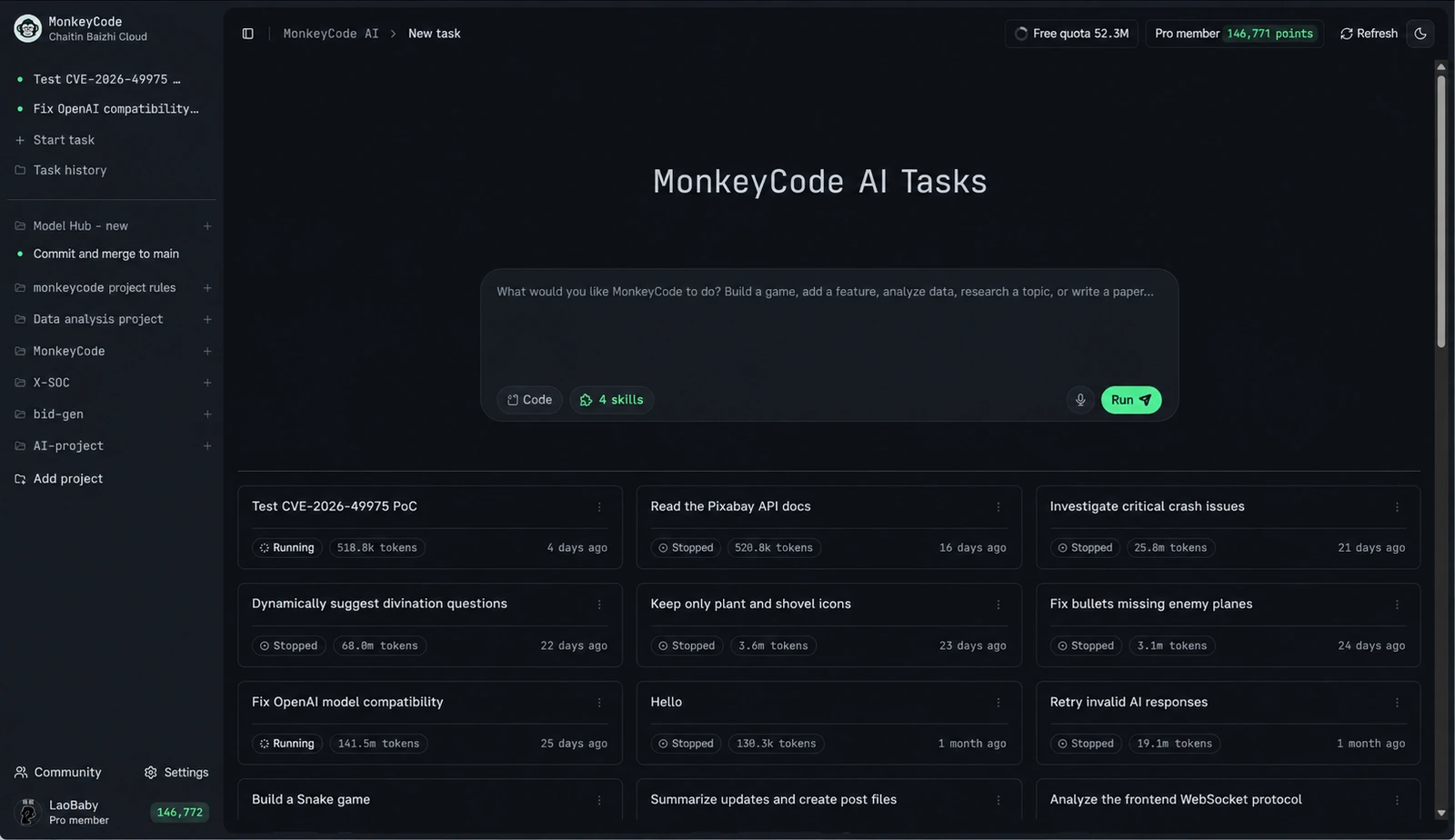
Original product image with English text. Interface and account values vary by version.
Documented capability map
These descriptions summarize public project materials; they are not performance, security, or compatibility guarantees.
MONKEYCODE / WORKFLOW
The model handles the task. The workspace gives it somewhere to work. You decide what to keep.
Define the goal and allowed scope.
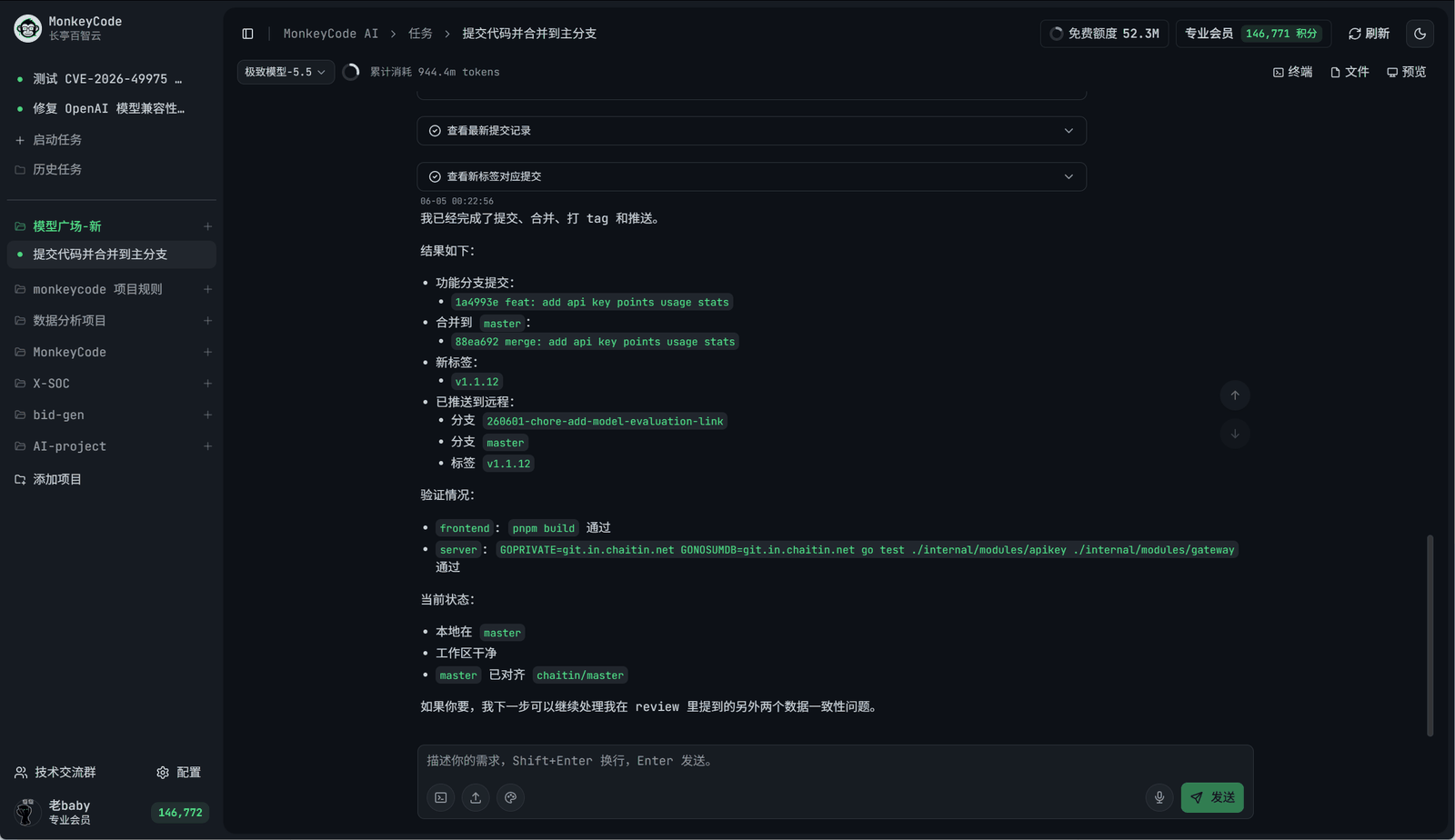
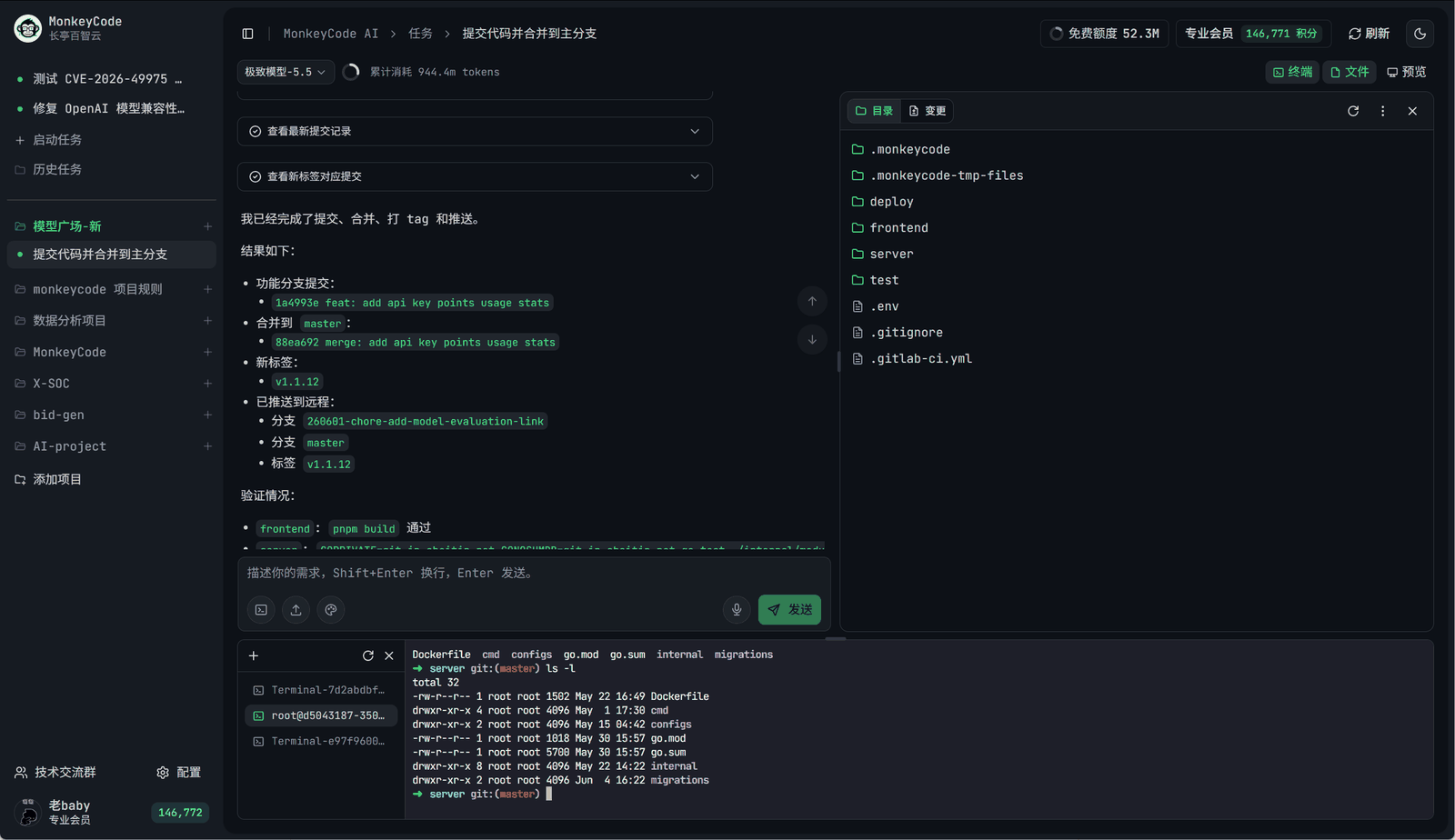
Run the task with files, terminal and tests.
Inspect the diff and verify the result.
Organize bounded AI work around requirements, projects, and task history rather than isolated prompts.
Run repository work with files, terminal, build, test, ports, and preview workflows in managed environments.
Authorize a working directory and let the agent read, create, and modify local code, documents, and assets; a paired browser extension assists with web tasks.
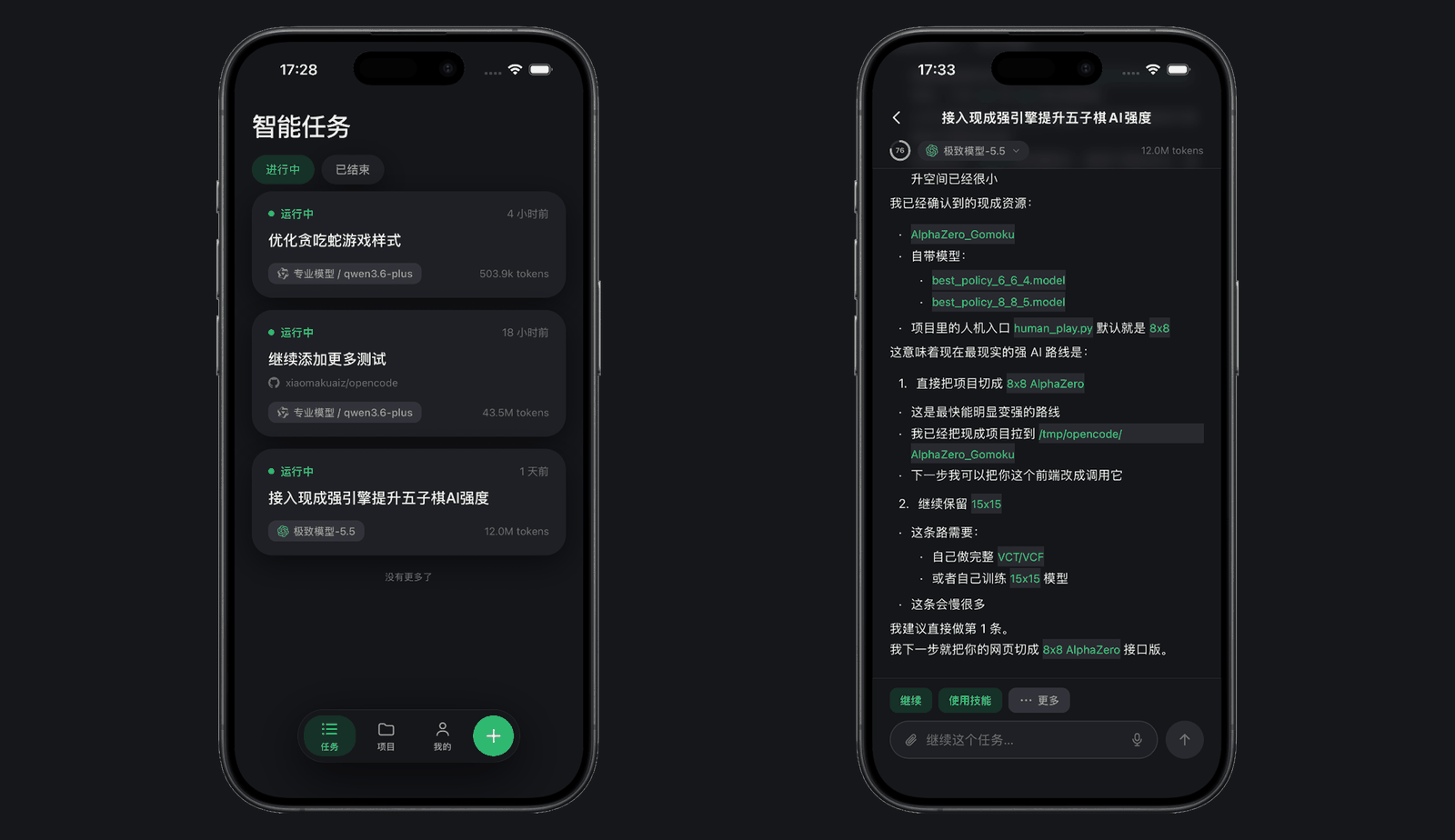
View task progress, continue conversations, and receive results on Android and iOS while tasks keep running.
Select from model families exposed by the current platform configuration; exact versions and routes must be verified.
Keep project and task context visible beyond one developer session.
Evaluate the hosted service or operate a documented private/offline deployment path.
Inspect and modify the public AGPL-3.0 codebase subject to its license terms.
Product tour
Official project screenshots. Interface details change by release; verify the version you evaluate.
Evaluation workflow
Public materials establish the components; your pilot must verify how completely they connect in the release you test.
Write acceptance criteria, repository scope, permissions, and prohibited actions.
Confirm environment startup, repository access, selected model, commands, and retained history.
Keep command output, failures, retries, previews, and artifacts as review evidence.
Inspect the diff and acceptance criteria. Verify branch, commit, and PR behavior rather than assuming automation.
Deployment distinction
Do not assume identical features, models, integrations, operations, or security controls across deployment modes.
| Area | Hosted evaluation | Self-hosted evaluation |
|---|---|---|
| Platform operation | Provider-operated service | Organization owns installation, capacity, upgrades, and recovery |
| Environment boundary | Verify provider behavior and terms | Verify your hosts, network, isolation, and storage |
| Models and integrations | Confirm currently available configuration | Confirm release support, credentials, routes, and provider terms |
| Security evidence | Request current service evidence | Test configured controls and operational processes |
Common questions
Related: is it open source?, how it differs from editor tools, plans and pricing.